What’s new in Shoppy: Summer 2026

Shoppy keeps moving — and this summer, there’s a lot to explore. From the Collection Page to the Cart Builder, through app-only discounts, new tools to manage drops and exclusive access, one-tap Apple Pay setup and more: every update is built to give you greater control over your app and sharper tools to grow it.

APP BUILDER

Collection Page Builder: make your PLP truly your own.

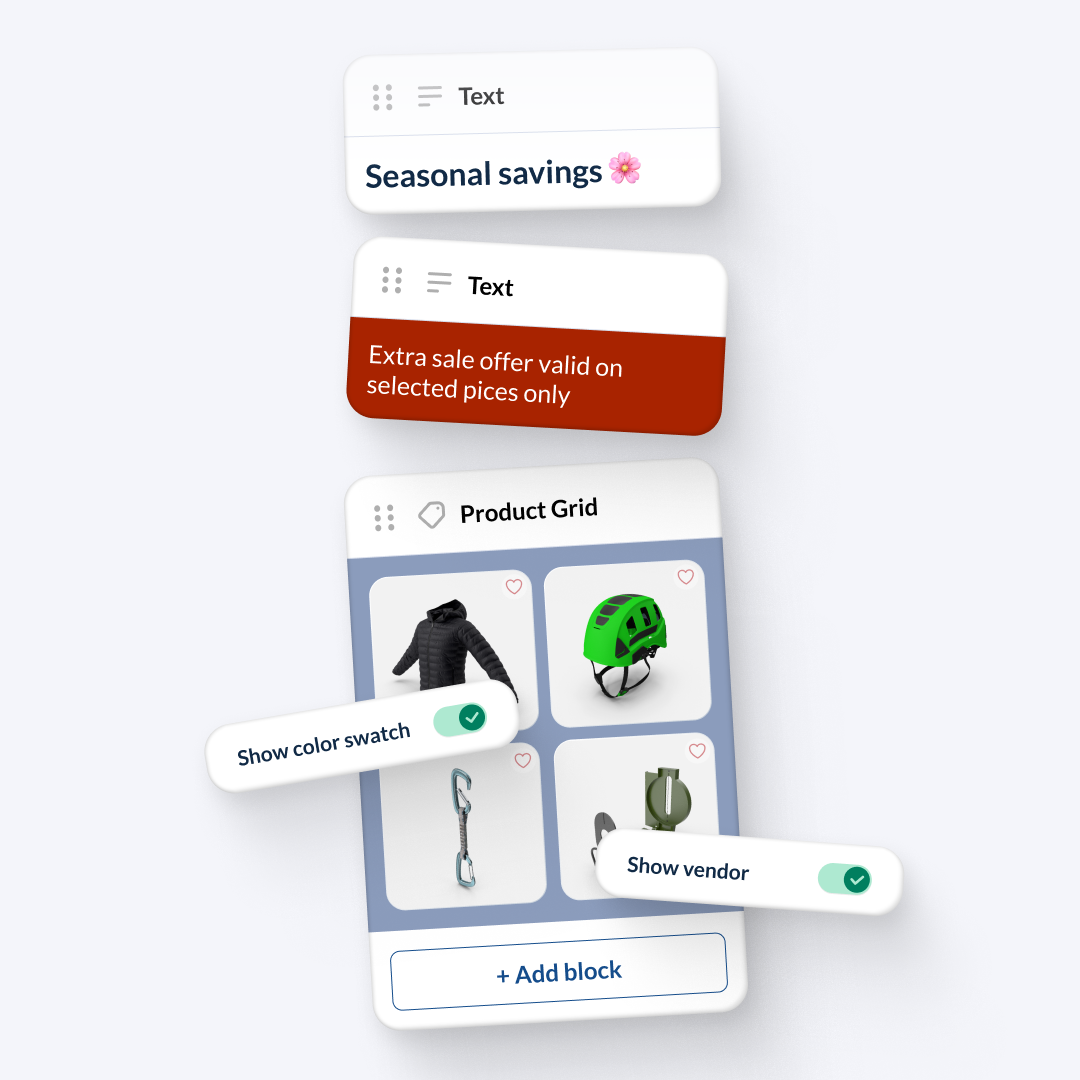
The App Builder now includes a dedicated tab for your Product Listing Page. Add and reorder the widgets that make up the page — text and product grid — and fine-tune the grid with advanced options: display colour variants as swatches or images, enable quick buy, and choose whether to show the supplier. Your catalogue, exactly the way you want it.
APP BUILDER

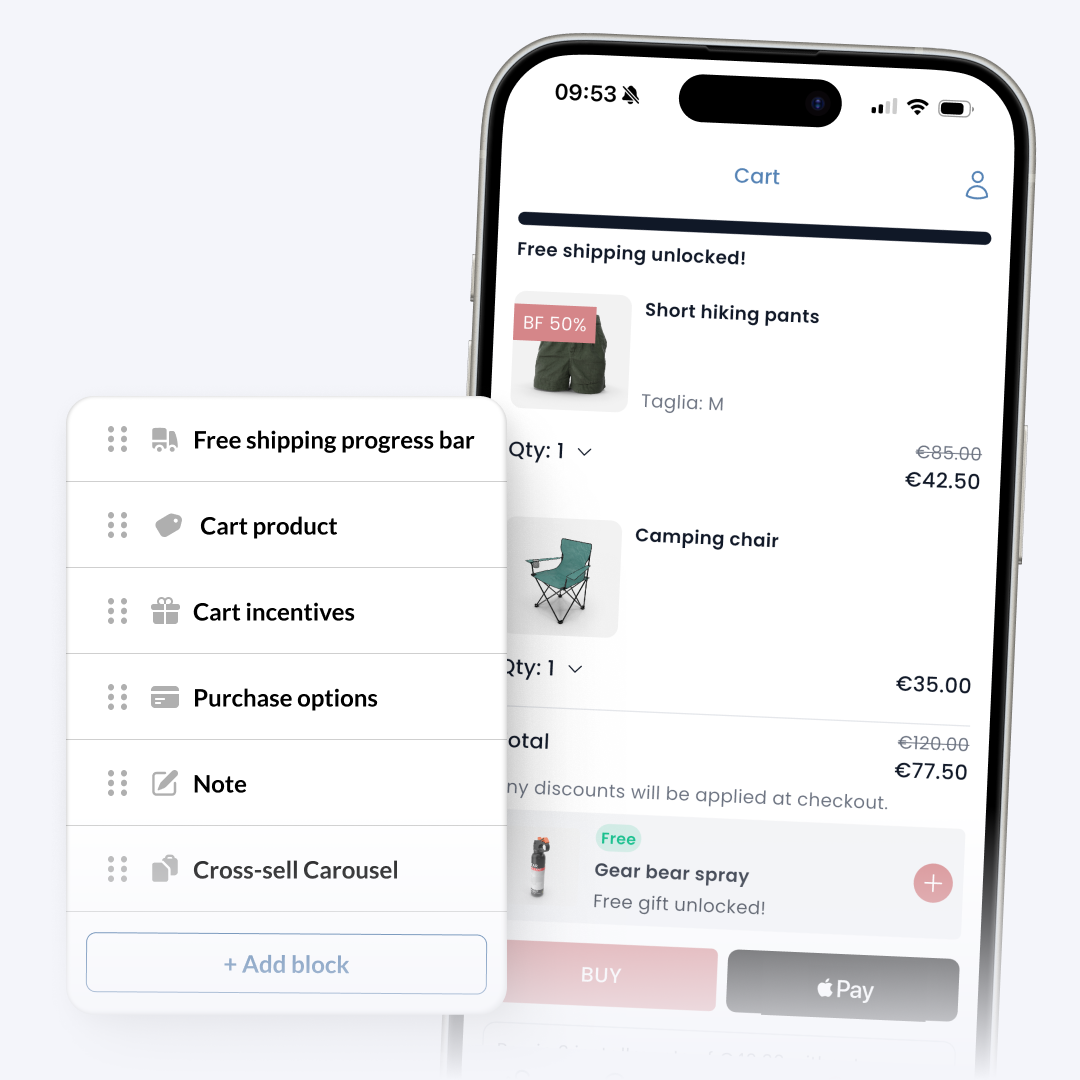
Cart Builder: a cart that converts, block by block.

You can now build and customise your app’s cart directly from the App Builder. Arrange blocks as you see fit — purchase options, notes, cross-sell carousel — and add two new conversion tools: a free shipping progress bar and cart incentives, letting you offer a gift or gift packaging once a minimum spend threshold is reached.

CONTENTS & ENGAGEMENT

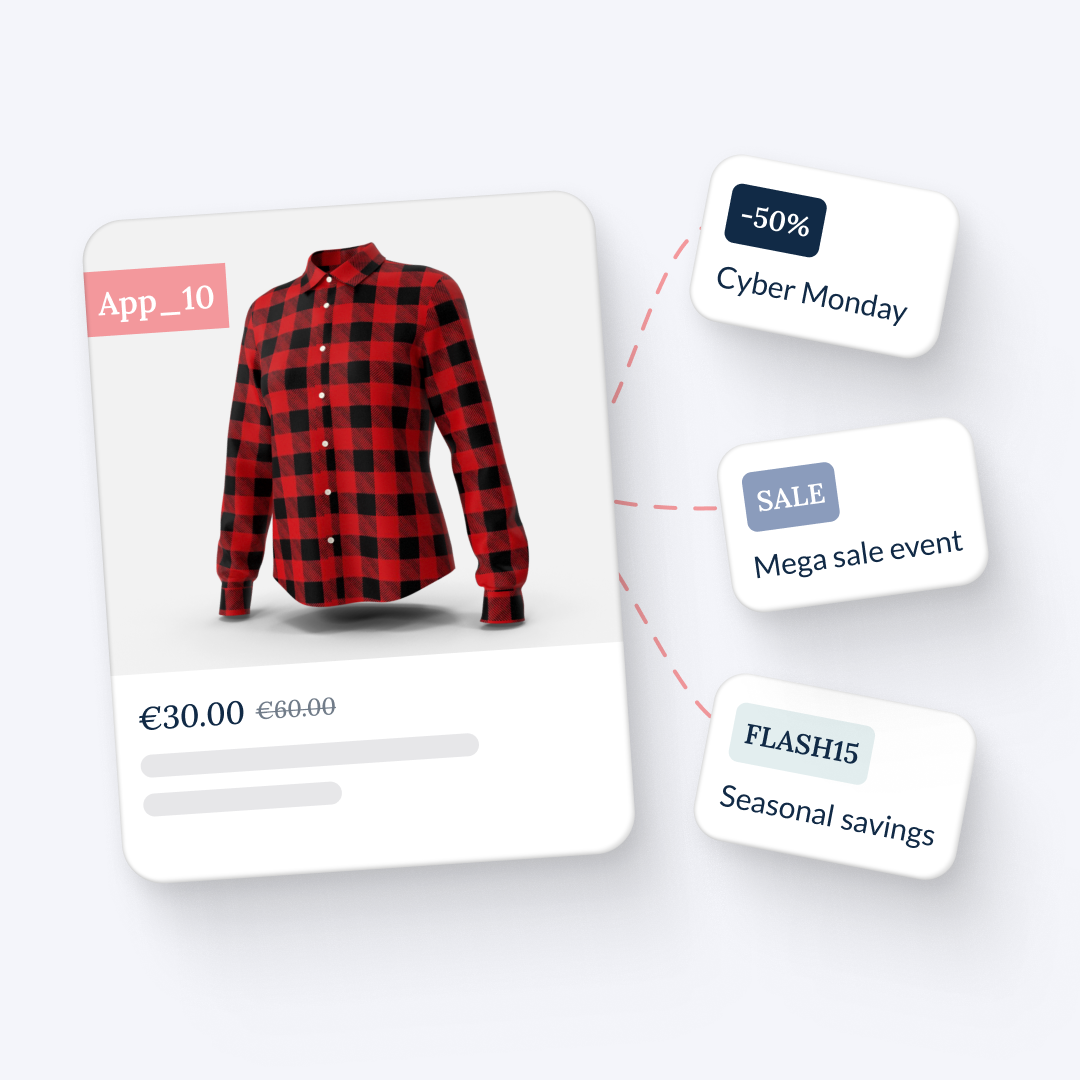
App Exclusive discount

App-only discounts turn your mobile channel into something genuinely exclusive. Apply a discount label to specific collections: the reduced price shows in the app, but is only applied at checkout, on mobile only. Your e-commerce site stays untouched. A real lever for making your app more desirable, rewarding your most loyal customers, and giving people a compelling reason to download it.

PAYMENT METHODS

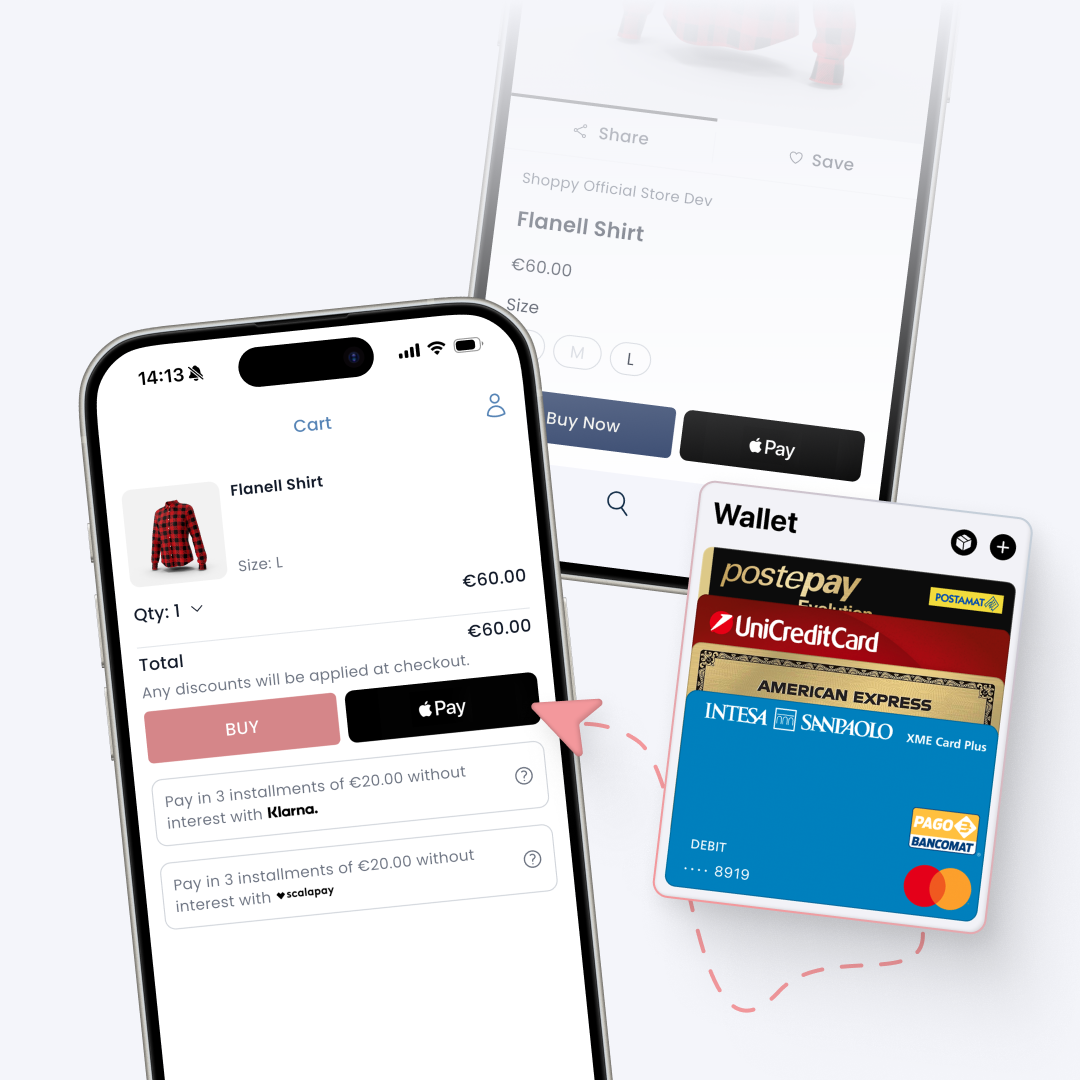
Apple Pay: the payment your customers expect, now in app.

You can now enable Apple Pay directly from the Shoppy dashboard in just a few clicks. Head to the Payment Methods section, find the dedicated card, activate it, and you’ll receive everything you need to complete the setup on your store — no hunting around required.

CONTENTS & ENGAGEMENT

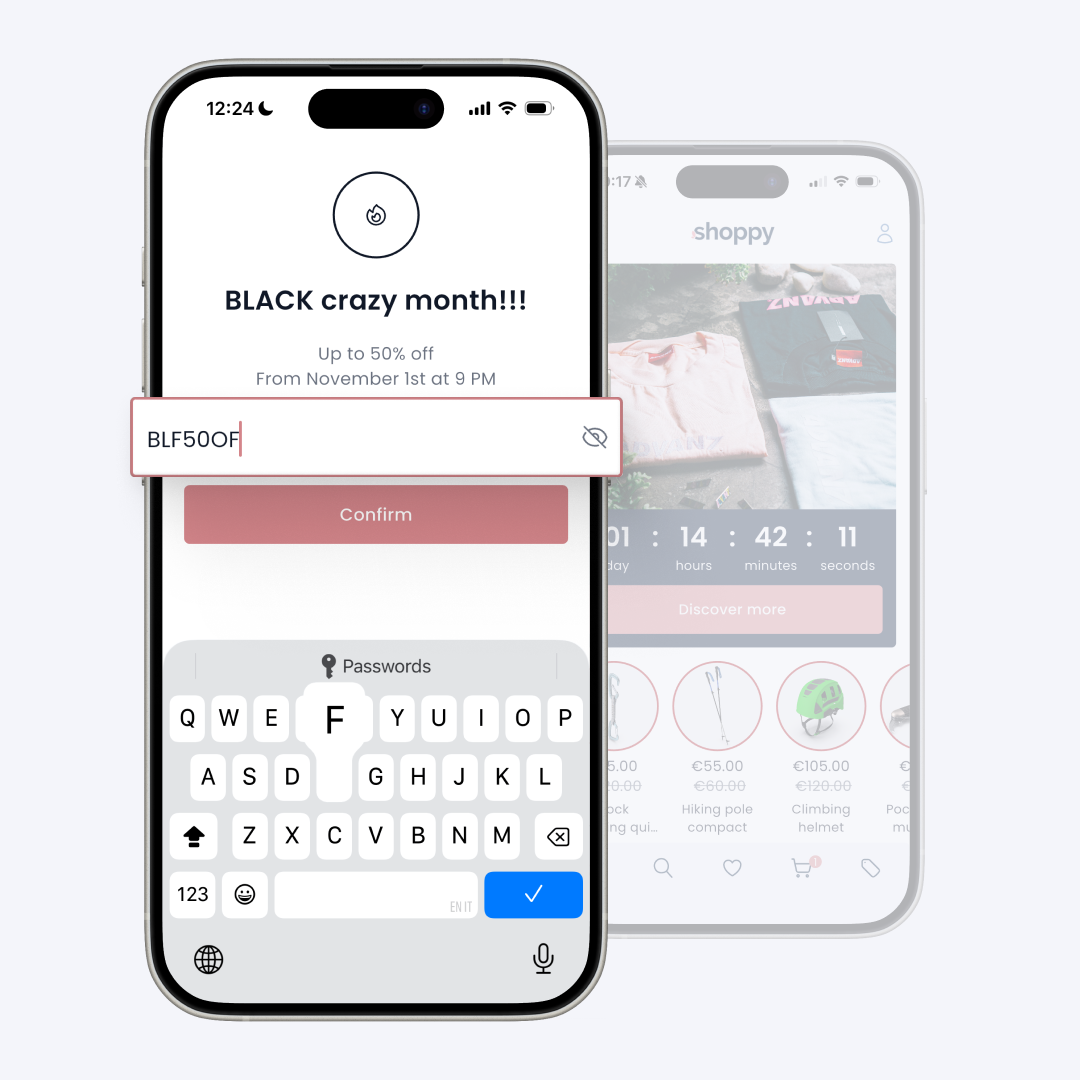
Drop & Exclusive Access: launch on your terms.

You now have full control over when your app opens and who gets in. Lock access to handle updates or reconfigure your look and feel, build hype ahead of a drop with a custom waiting screen, or open early access exclusively to users with the right password. All without touching a single line of code, straight from the dashboard.

GENERAL ENHANCEMENT

Shopify Metafields: you decide how to display them.

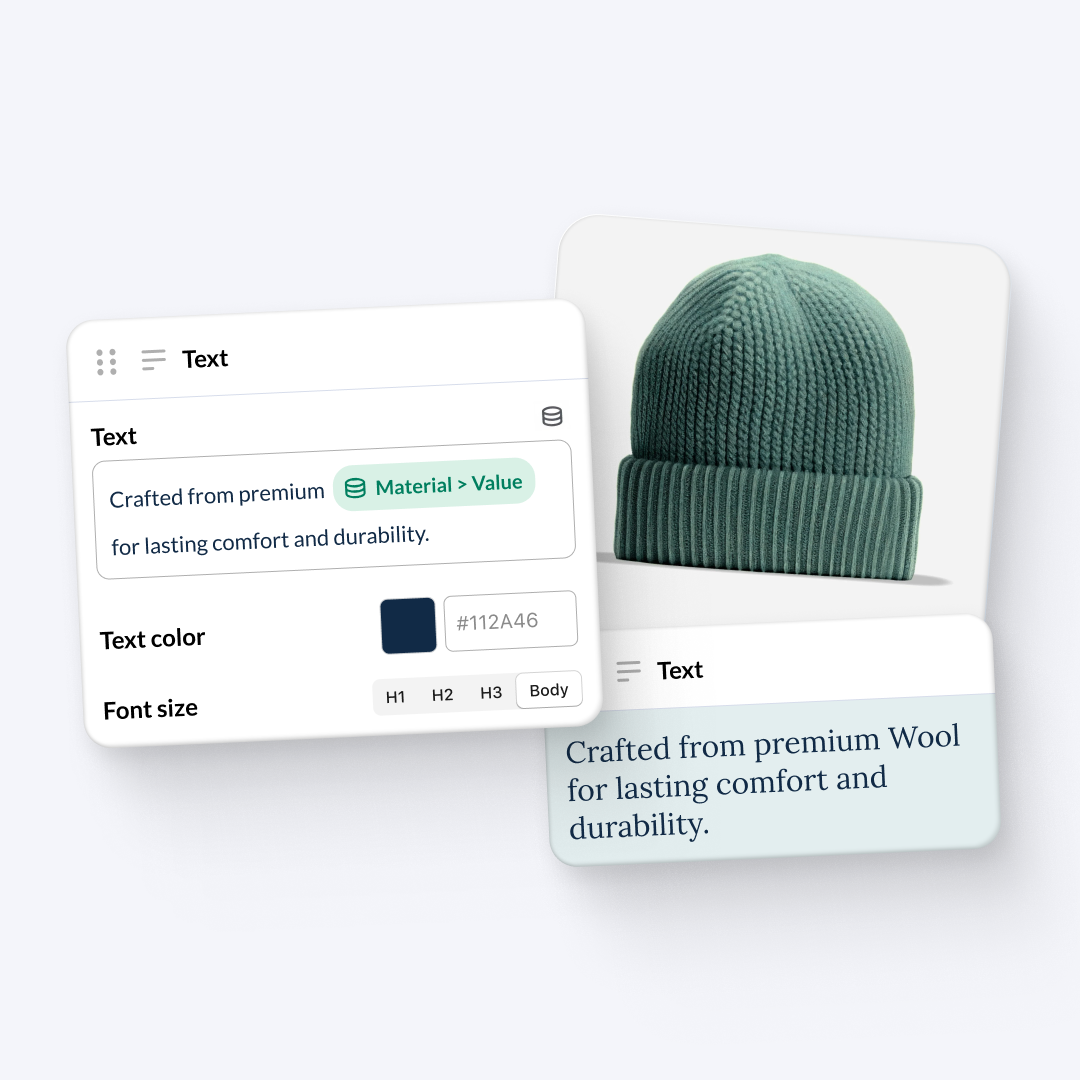
The text widget now speaks Shopify Metafields — and not just on the product page. Whether you’re building your Home Page, Product Listing Page, or Product Page, you can choose to display a metafield as plain text or as a handy dropdown. One update, more flexibility across your entire app — so the right information always appears in the clearest format.

APP SETTINGS

New or Legacy Customer Account: you choose how to manage your customers.

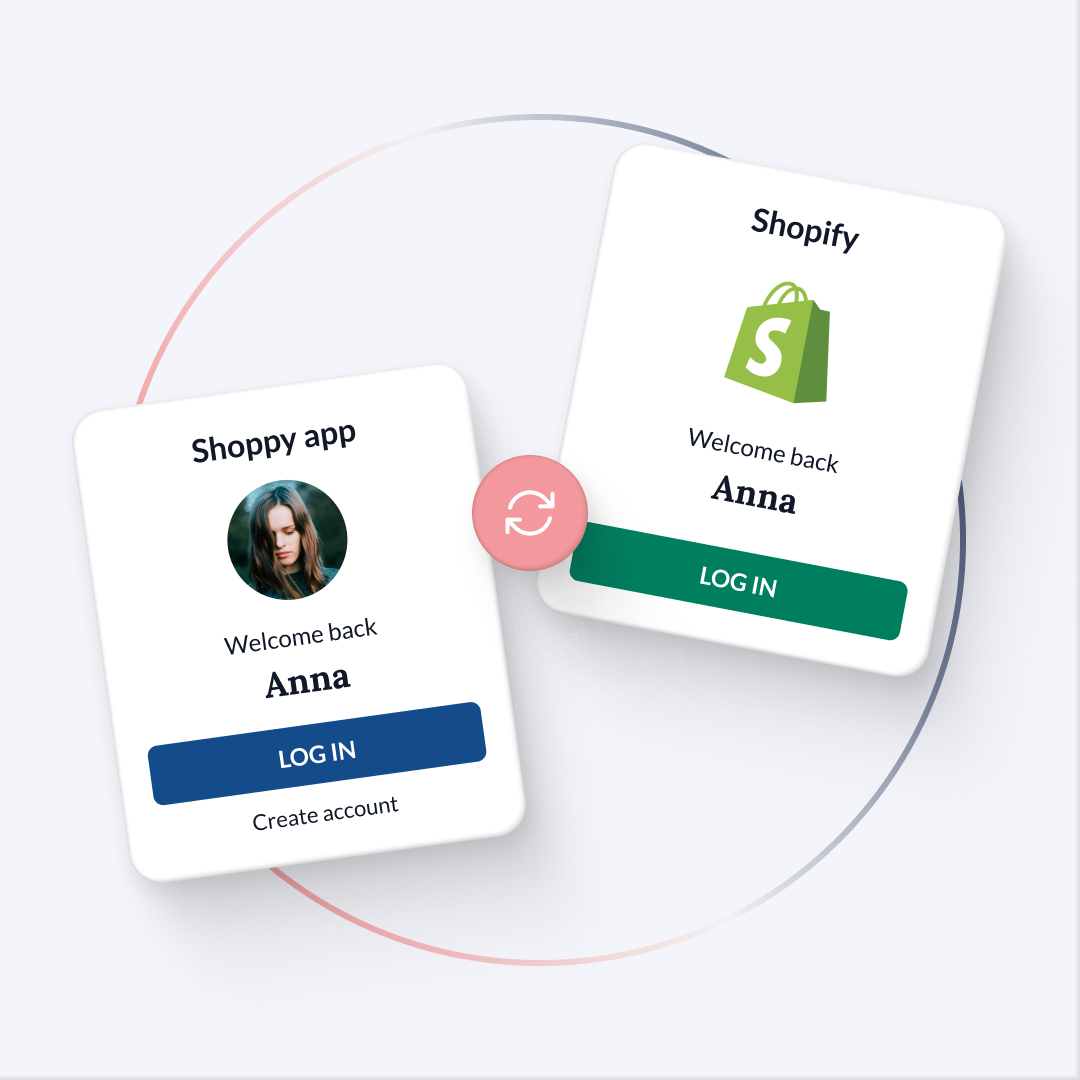
You can now select directly from Shoppy which type of customer account to use in your app: New Customer Account or Legacy Customer Account, in line with your Shopify store configuration. Greater flexibility to ensure a consistent, uninterrupted login experience for your users.

BRAND LIST

Brand List: put your vendors front and centre.

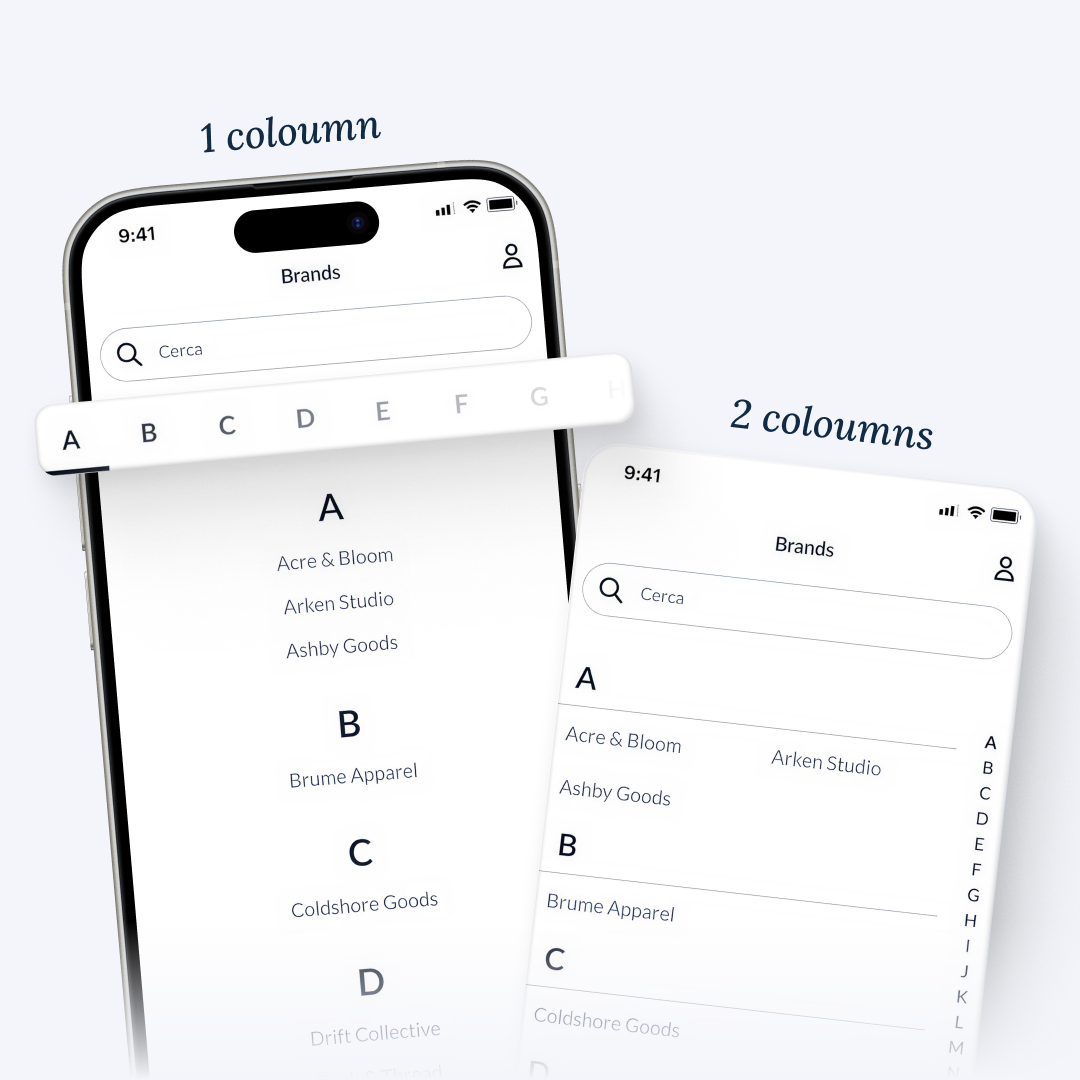
You can now add the Brand page to your app’s navigation and menu in a single click. The list displays all vendors from your Shopify store in alphabetical order, and you choose how to present them: two new layouts are available in the Layout section, so you can find the style that best fits your visual identity.